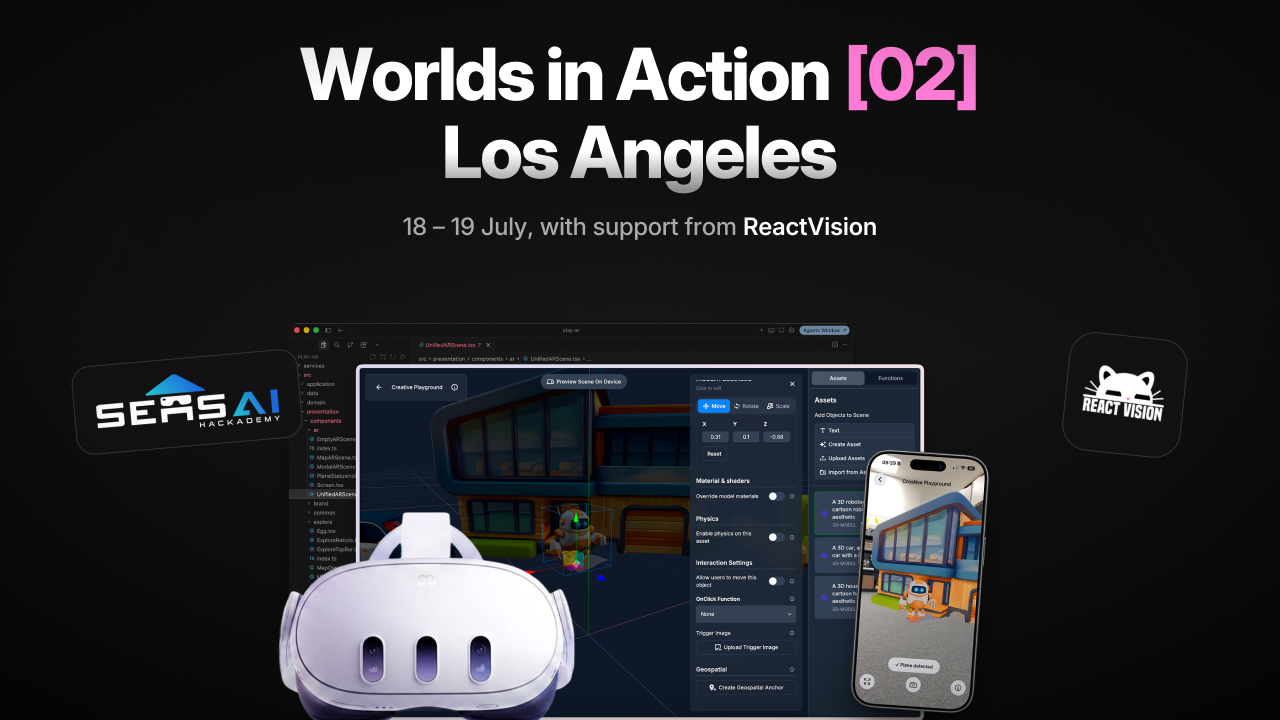
AR resources from the
SensAI Hackathon.
Visit the SensAI LA hackathon websiteSensAI: Worlds in Action was a weekend hackathon held in Los Angeles in July 2026, where teams shipped AR projects with React Native and ViroReact. The event is over, but everything we put together for participants is still here: an MCP server for your coding agent, a ready-to-run starter kit, a geospatial AR example, and a free Studio account.
Get started with ReactVision
Our introduction to ReactVision, recorded during the hackathon's online sessions. In it we cover what you can build with React Native and ViroReact, plus our AI tools: the ViroReact MCP server for your coding agent and AI asset creation in Studio. The video starts right where our session begins.
The toolkit is still here
We put these four resources together for the hackathon, and they are just as useful now if you want to build AR with ReactVision. Together they take about fifteen minutes to set up and cover the whole stack: an account for the platform, knowledge for your coding agent, a project to build on, and a worked example to learn from.
Create a free Studio account
Your Studio account unlocks the ReactVision Platform: it authenticates the MCP server and powers geospatial anchors, Cloud Anchors, and AI asset creation. It is free and takes a minute, so make this your first stop.
ViroReact MCP Server
Plug current, accurate ViroReact knowledge straight into Claude, Cursor, Codex, or any coding agent that speaks MCP. Your agent gets the full component catalogue, working examples, and scene validation, so the AR code it writes runs the first time.
Starter Kit
An Expo + TypeScript project with working AR demos ready to run on your device. Scenes, 3D objects, interaction, plane detection, and shaders are all wired up, so it is the fastest way from zero to AR on a phone.
Geospatial AR example
A worked example of anchoring AR content to real-world coordinates, built with Claude Code and ViroReact. Follow the step-by-step tutorial or jump straight into the finished project on GitHub.
Missed your free month of Studio Pro?
Everyone who took part in the hackathon gets one month of Studio Pro for free. If you took part and did not claim yours, get in touch and we will sort it out.
Real-world apps built with ReactVision, used by thousands
The stack hackathon teams built on already powers shipped products. Pikd landed Red Bull and Burger King with location-based AR played by over ten thousand users, and Looking Glass anchors Pittsburgh's erased Black history to the streets where it happened. Both shipped from a single React Native codebase.
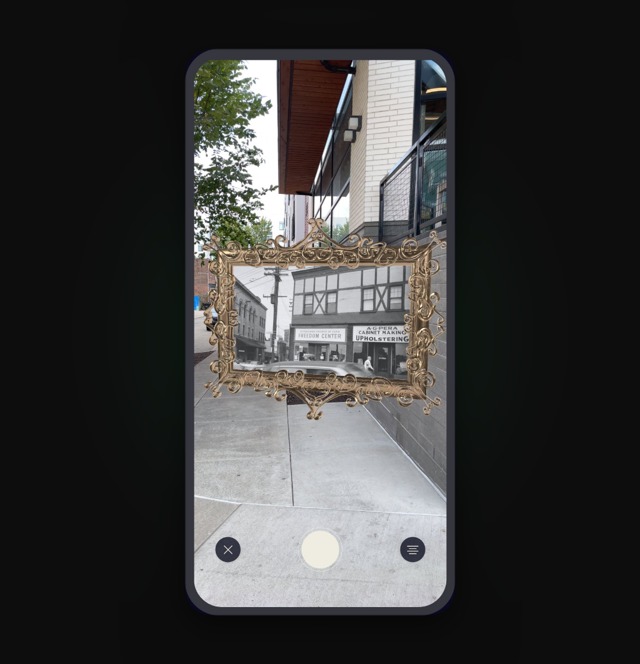
Pittsburgh's erased Black history, back on the streets in AR
Adrian Jones built Looking Glass, a place-based AR storytelling app, with ViroReact and Studio. No game engine, open-source tools, and full control over the data.
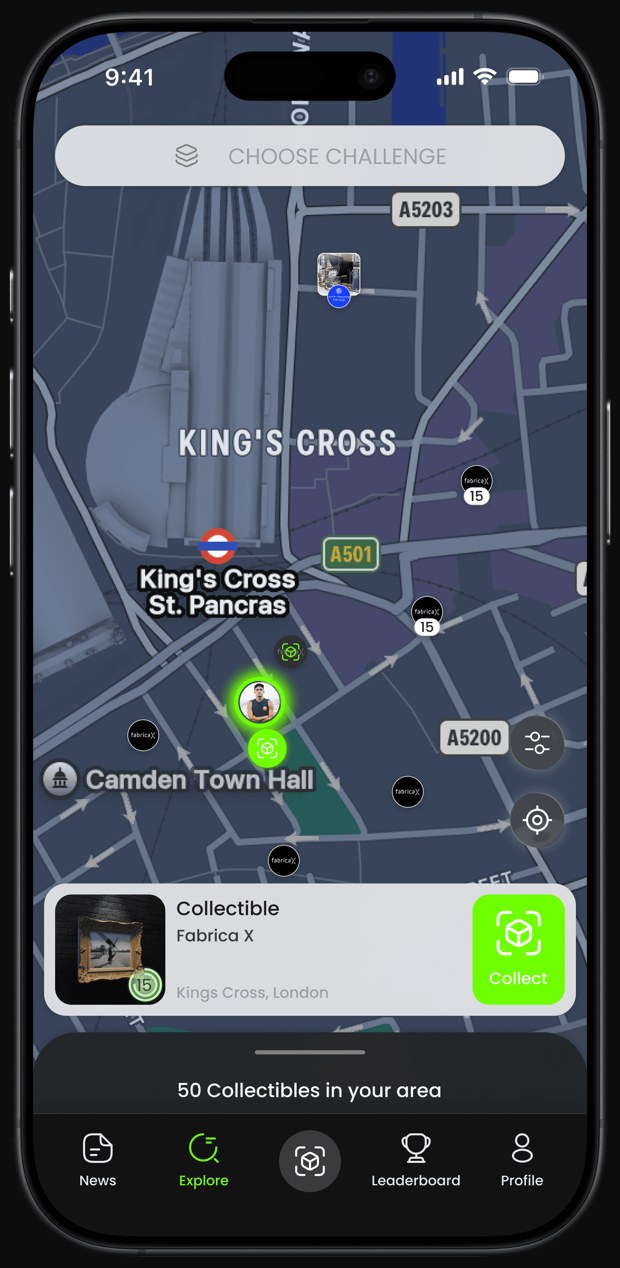
Location-based AR that landed Red Bull and Burger King
Toch Emuwa's team built Pikd, a gamified AR platform for brand engagement, on ViroReact, shipping to iOS and Android from one codebase to land 30+ brands.
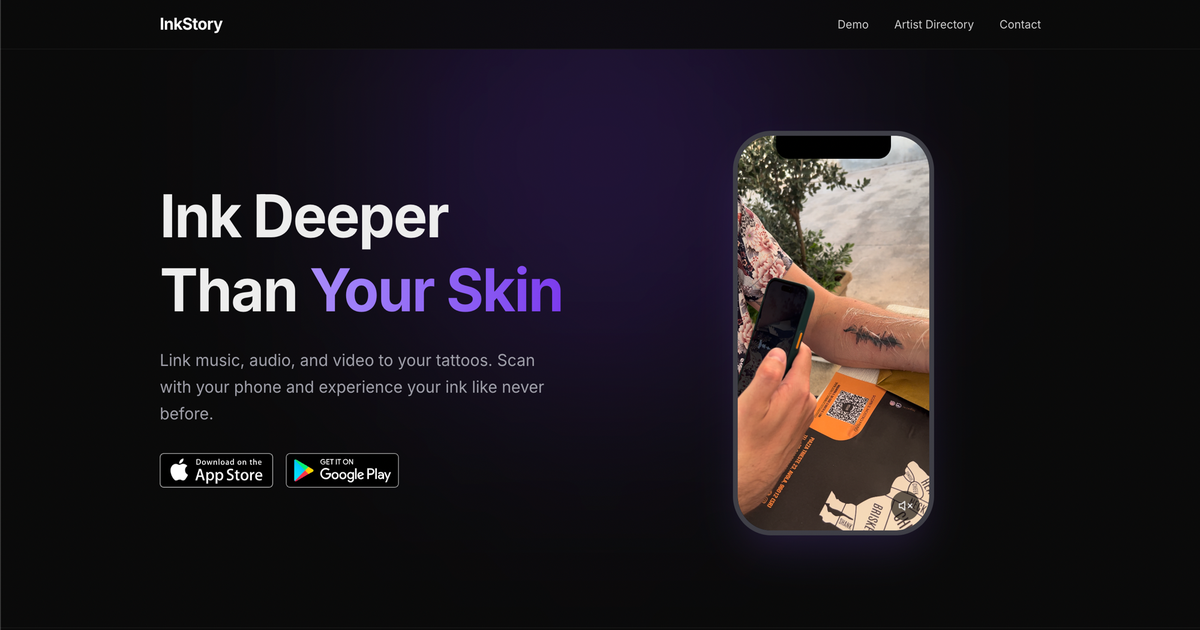
Tattoos turned into AR you can hear, built solo on ViroReact
Sergey Zelenov, a MongoDB engineer, built InkStory on ViroReact nights and weekends: link a tattoo to a sound and play it back when you scan it, on iOS and Android.
Still building? We're on Discord.
The hackathon is over, but the ReactVision team is in our Discord server every day. Ask anything, from setup problems to AR design questions, and share what you're building.