Give your AI coding agent
accurate ViroReact knowledge.
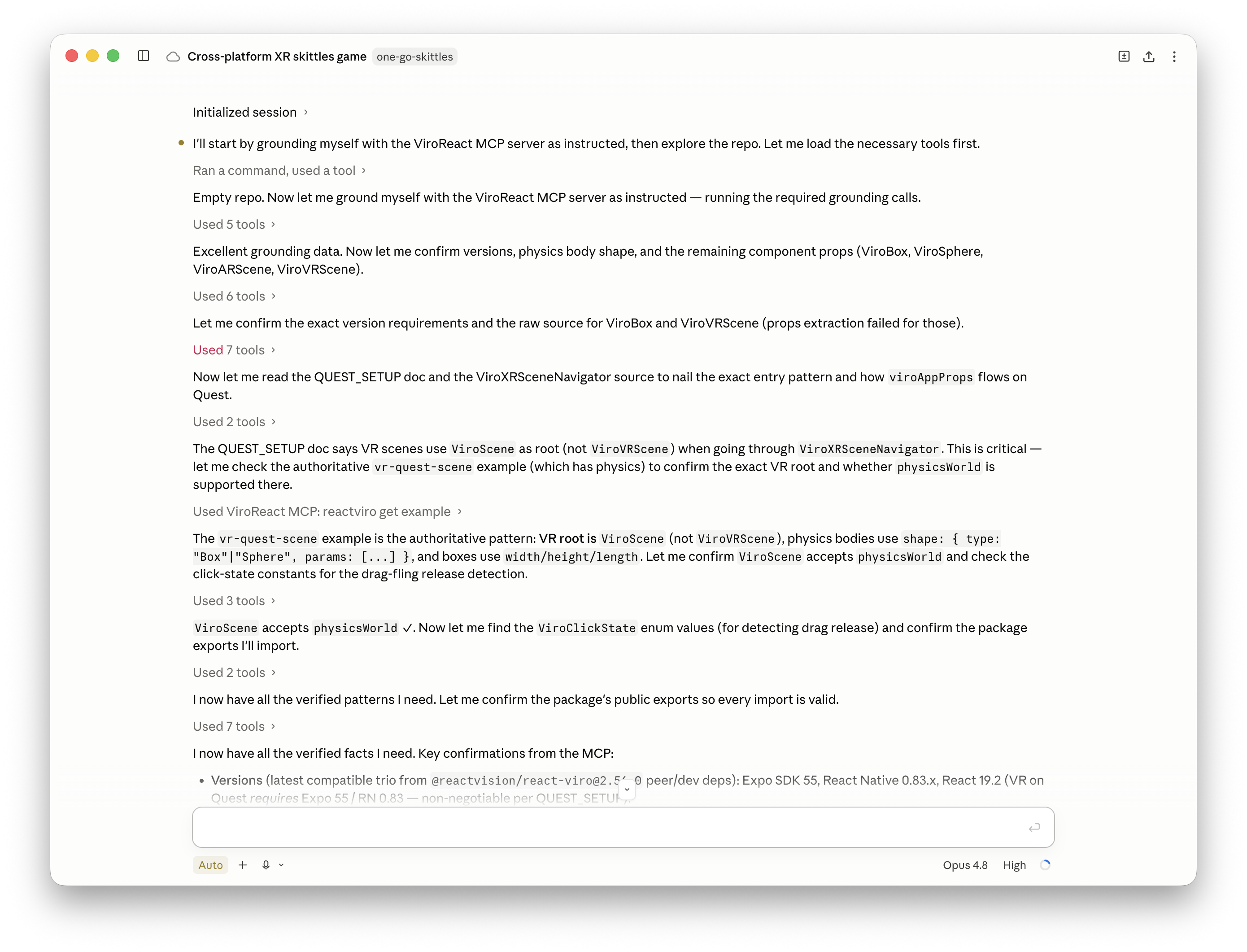
The ViroReact MCP server plugs current, accurate knowledge about ViroReact into Claude, Cursor, Codex, and any agent that speaks the Model Context Protocol. Your agent writes AR and VR code that runs the first time, instead of guessing from training data that has aged.
// Add the ViroReact MCP server, then sign in
// with your ReactVision Studio account.
"https://mcp.reactvision.xyz/viro"Current knowledge, not stale guesses
Coding agents are trained once and fall behind fast. The MCP server gives yours a live line to how ViroReact works today, so the code it writes matches the current library rather than an old snapshot of it. New to the idea? Start with can AI agents build AR and VR apps?
The full component catalogue
Every ViroReact component across AR, geometry, lighting, materials, animation, media, audio, input, and more, with the prop schema and event handlers for each one.
Real, working examples
Actual AR scene examples the agent can learn from, including plane detection, custom shaders, AR portals, particle effects, and depth mesh collision.
The live platform matrix
The current support picture across iOS, Android, Meta Quest, and visionOS, so your agent knows what runs where before it writes a line.
Current release information
What shipped in each ViroReact release, so upgrades and new features come from the real changelog instead of a stale snapshot of the library.
Your agent can now run what it writes
Knowledge stops the guessing. Six new tools go further: your agent can check, run, and debug the scenes it writes before any of it reaches you. Read the full story in the announcement post.
Run scenes in a real renderer
Executes a scene and hands back the frames that actually appeared on screen. The agent can also use the scene: tap an object, wait for an animation, and capture the result.
Structural scene checks
Validates a scene against the real component APIs, so a misspelled prop or a component that does not exist is flagged immediately, not after a failed build.
Error and crash log diagnosis
Hand it an error, exception, or crash log and it explains what it actually means, instead of leaving the agent to guess at a fix from an opaque XR stack trace.
Performance budget checks
Reads your 3D models and flags the ones too heavy for the headset you are targeting, before they turn into stutter someone else has to diagnose.
Render comparison
Compares two renders and reports exactly what changed between them, so a refactor that quietly moves a model gets caught straight away rather than in a bug report.
Studio and code, both directions
Converts a ReactVision Studio scene into a ViroReact TSX scene and back again, with a clear list of anything that could not make the trip.
Connect the MCP server in a minute
The MCP server is free to use. Point your agent at the server and sign in with a Studio account to authenticate, no credit card required.
Create a Studio account
The MCP server is powered by the ReactVision Platform, so you authenticate with a Studio account. It is free to sign up. Register here.
Add the server to your agent
Add the server URL as an MCP server in your agent of choice, then sign in and pick the team you want to use.https://mcp.reactvision.xyz/viro
Start building
Your agent now writes ViroReact AR and VR code with the full library behind it. Step by step guides for every agent live in the docs and inside Studio.
See the setup
A short walkthrough of getting the ViroReact MCP server running in your agent.
MCP server FAQ
How do I set up the ViroReact MCP server?
Is the ViroReact MCP server free?
Which coding agents does it work with?
Why use the MCP server instead of the documentation?
What does the MCP server know about?
Can the MCP server run and validate ViroReact scenes?
Give your agent the full library
Create a free Studio account, connect the server, and start shipping ViroReact AR and VR code your agent gets right.
Support
Community
Have a quick question or need feedback? Jump into our Discord for real-time chat, or post on r/ReactVision to get answers, code samples, and tips from thousands of fellow builders.
ReactVision Partners
Need deeper help? Engage a trusted ViroReact Partner. Certified agencies and consultants can architect, build, or optimise your XR app, run performance audits, and guide store launches so you ship faster with confidence.