Asset Generation Now Available on the ViroReact MCP Server
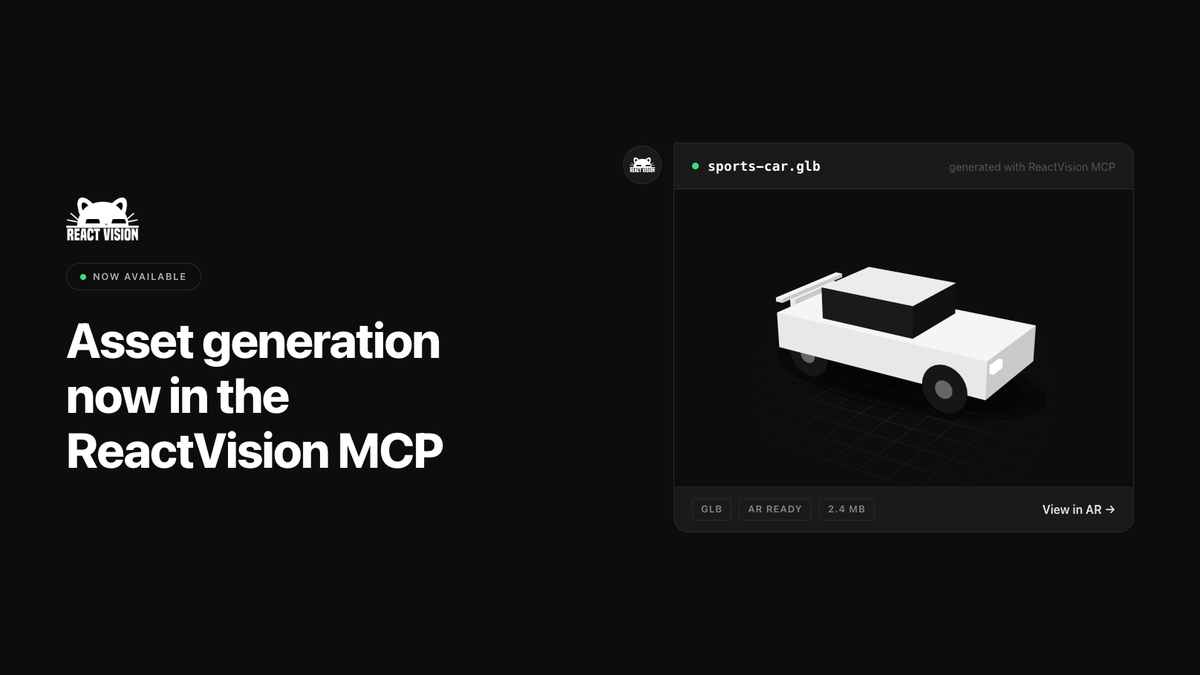
Since ReactVision Studio went into alpha last year, you have been able to generate images and 3D objects directly inside the editor. That was a real unlock for the non-technical people building in Studio. If you needed a low-poly tree and did not have one, you described it and got one back, ready to drop into a scene.
Then we shipped the ViroReact MCP Server, and we watched usage move. Developers stopped pasting documentation into their agents and let the agent read the knowledge graph directly instead. Since then we have added code validation, static renders and full environment render testing, which took the MCP server from somewhere agents go for knowledge to a tool that checks the work agents produce.
One thing we never wired up was asset generation. The tools existed, they had been sitting in Studio the whole time, they just were not plumbed into the MCP server. That is fixed as of today.
What is new
Your agent can now generate images and 3D models in the same session it writes your code. Ask for a low-poly car and a pine tree, and the agent gets back hosted asset URLs it can pass straight into Viro3DObject and ViroImage. No context switching, no hunting through asset stores, no manual download and re-upload step.
Assets are hosted on ReactVision Platform, so the same URLs work in a development build and in production, and you can update content over the air without shipping a new app release.
Why it matters
The goal for the ViroReact MCP Server has always been the same: give your agent the knowledge and the tools to take you from an idea to a working cross-platform XR app as quickly as possible. Missing assets were the last place that loop broke. You would get a scene that was structurally correct, and then stall because there was nothing to put in it.
Now the agent can fill the scene as well as build it.
Getting started
The MCP server lives at https://mcp.reactvision.xyz/viro. Add it to Claude Code, Codex, Cursor or Windsurf, authenticate with a ReactVision Studio account, and asset generation shows up alongside the existing tools. It is free with a Studio account and draws on your Studio AI credits, with higher limits on the paid plans.