Introducing the ViroReact MCP Server
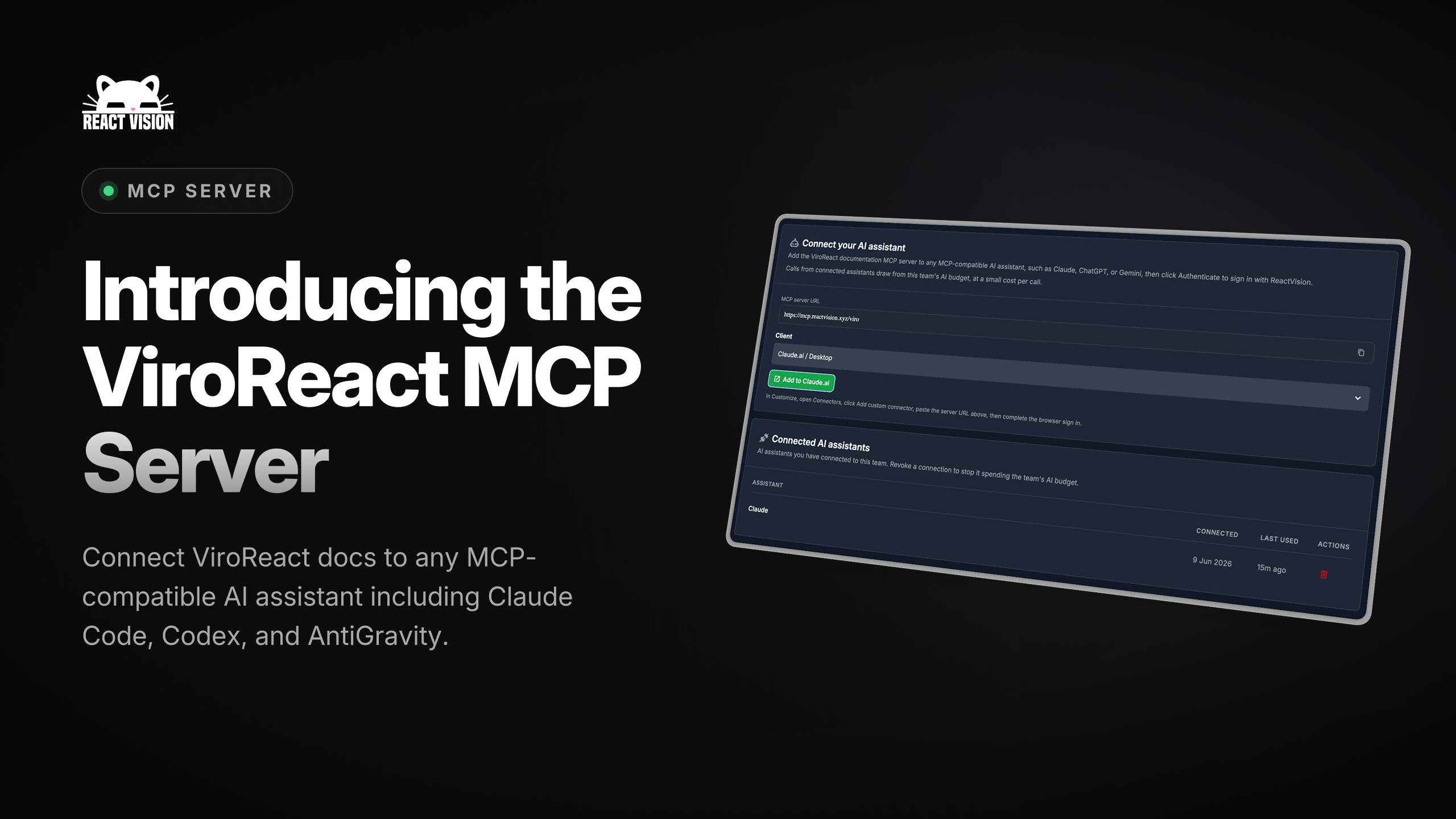
AI coding agents have changed how we build. The catch is that an agent only knows what it was trained on, and a fast-moving library like ViroReact moves faster than any training cut-off. Ask an agent to wire up a scene or add an anchor and it will often guess against an old version of the API, inventing props that no longer exist or missing capabilities we shipped last week.
The ViroReact MCP server fixes that. It gives your coding agent a direct, authoritative line into ViroReact, so the code it writes is current, correct, and grounded in the real API rather than a stale snapshot.
What it is
MCP, the Model Context Protocol, is the open standard that lets AI tools connect to external sources of knowledge and capability. The ViroReact MCP server is our implementation of it: a live connection between your agent and everything ViroReact knows about itself.
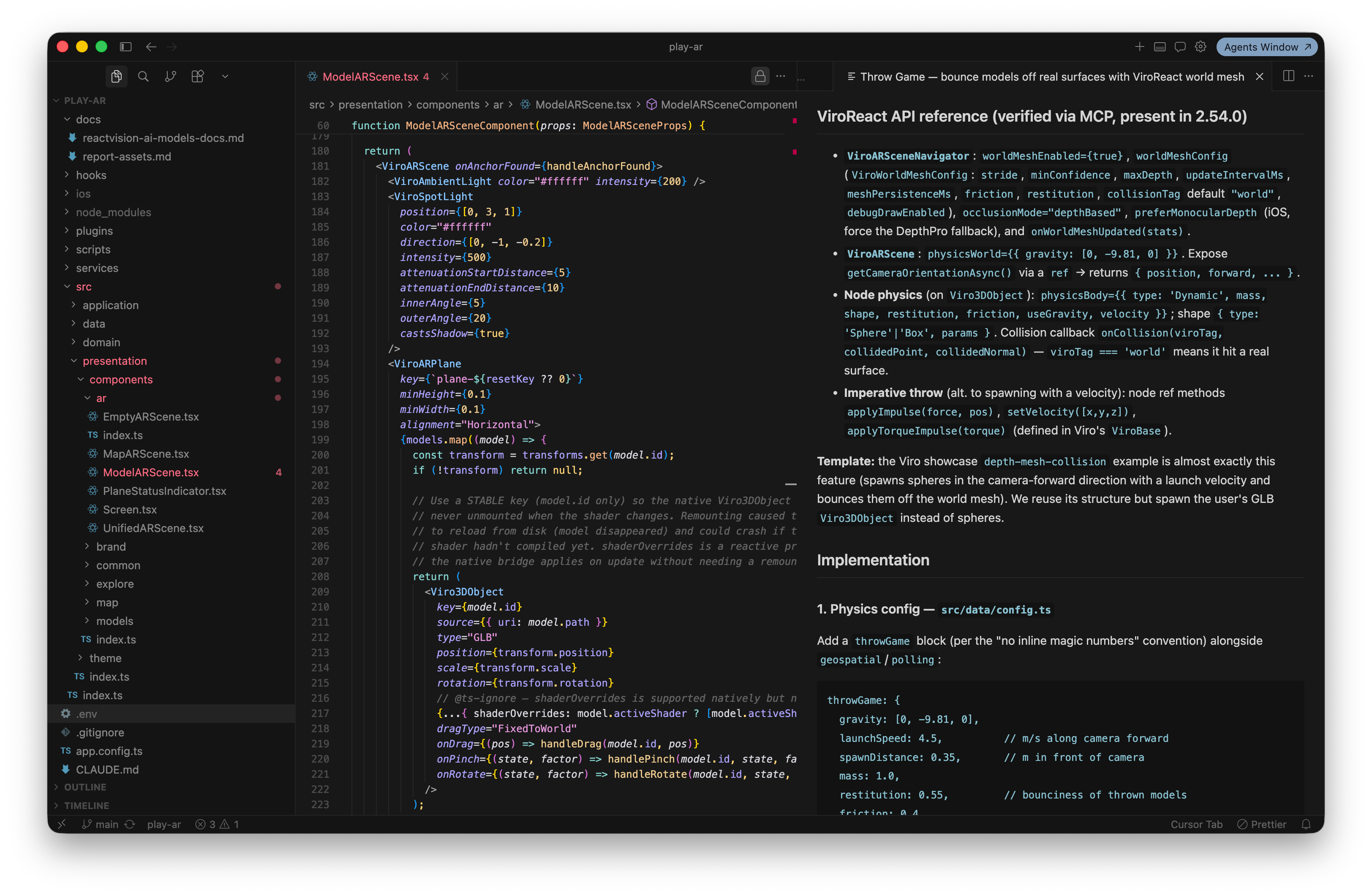
Instead of relying on whatever happened to be in its training data, your agent can query ViroReact directly for the current component reference, real code examples, and the latest release information, then use that to write code that actually compiles and runs.
What it can do
The short version: connect it to your agent and you can go from an idea to a fully fledged XR application, built on the latest APIs and the correct concepts, without leaving the conversation.
Describe the experience you want and the agent works against the real ViroReact rather than a stale memory of it. It scaffolds the project, reaches for the right components and patterns for things like plane detection, anchors, animation, and physics, and writes code that compiles and runs. As the idea grows, it keeps building on that same current foundation instead of drifting into deprecated props or outdated approaches halfway through.
That is the difference between an agent that can talk about ViroReact and one that can actually build a working XR app with it.
It fits the workflow you already have
The MCP server is not a new tool to learn or a new place to work. It plugs into the agentic workflows you are already using, including Claude Code, Codex, Windsurf, and any other MCP-compatible client. Add the server once, and ViroReact knowledge is available to your agent everywhere it works.
This is the same idea behind the rest of our stack. You should not have to adopt a new engine, a new language, or a new way of working to build in spatial. ViroReact meets React Native developers where they are, and the MCP server does the same for the AI agents working alongside them.
Getting set up
The ViroReact MCP server authenticates with your ReactVision Studio account, so you will need one to connect. If you do not have an account yet, you can create one in a couple of minutes here.
It is free to use on the Studio Free plan. There is no paid tier required to give your agent a direct line into ViroReact.
The server lives at mcp.reactvision.xyz/viro. Point your MCP-compatible client at that address, authenticate with your Studio account, and your agent is connected.
There’s also a setup guide in the ReactVision docs.
Build with an agent that knows ViroReact
Spatial development should feel as natural as the rest of your React Native work, including the part where an AI agent helps you write it. The ViroReact MCP server closes the last gap, turning your agent from something that guesses at the API into something that genuinely understands it.
Connect it to your workflow today and start building.
Get the ReactVision newsletter
Product announcements, including ViroReact, ReactVision Spatial, Editor and MCP updates, direct to your inbox. No spam, and you can unsubscribe at any time.