Meet StudioGo: Test Your Studio Creations Instantly on Device

I am excited to share that StudioGo, our testbed app for experiences built in ReactVision Studio, is now out and available.
StudioGo is designed to help creators and developers quickly test and iterate on Studio-built scenes on real devices, making the build → preview → refine loop faster and more intuitive.
As StudioGo makes the transition from Alpha to launch, we’ve shipped a handful of updates that help make it even easier to test your Studio creations in real-world scenarios.
What’s New in StudioGo
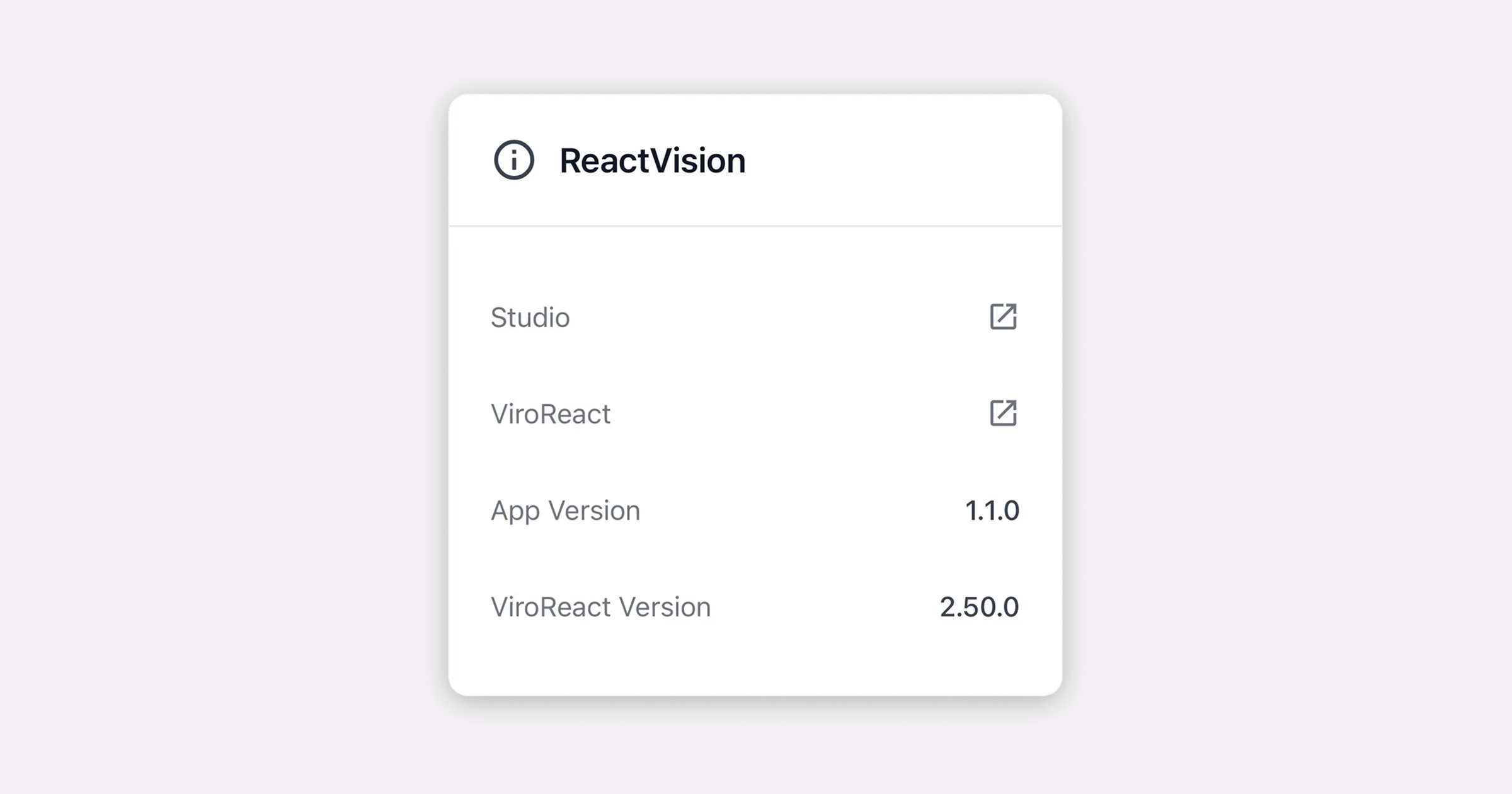
Upgraded to ViroReact 2.50.0
Bringing the latest performance and rendering improvements to all StudioGo previews.
Occlusion Support
Scenes configured with occlusion in Studio now render correctly in StudioGo, allowing virtual objects to interact more naturally with the real world.
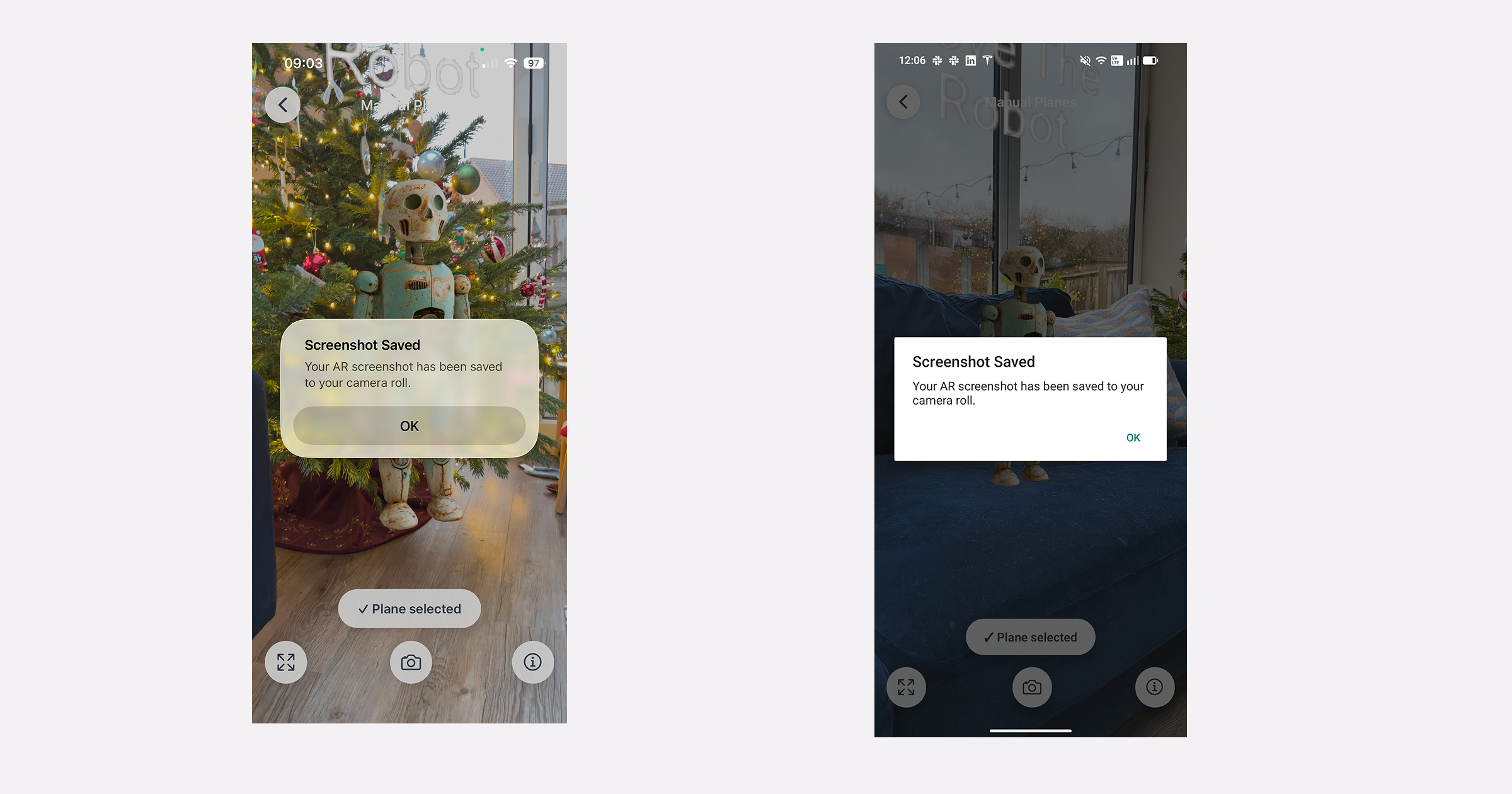
AR Scene Screenshots
You can now capture screenshots directly from the AR scene preview – perfect for sharing progress or reviewing layouts.
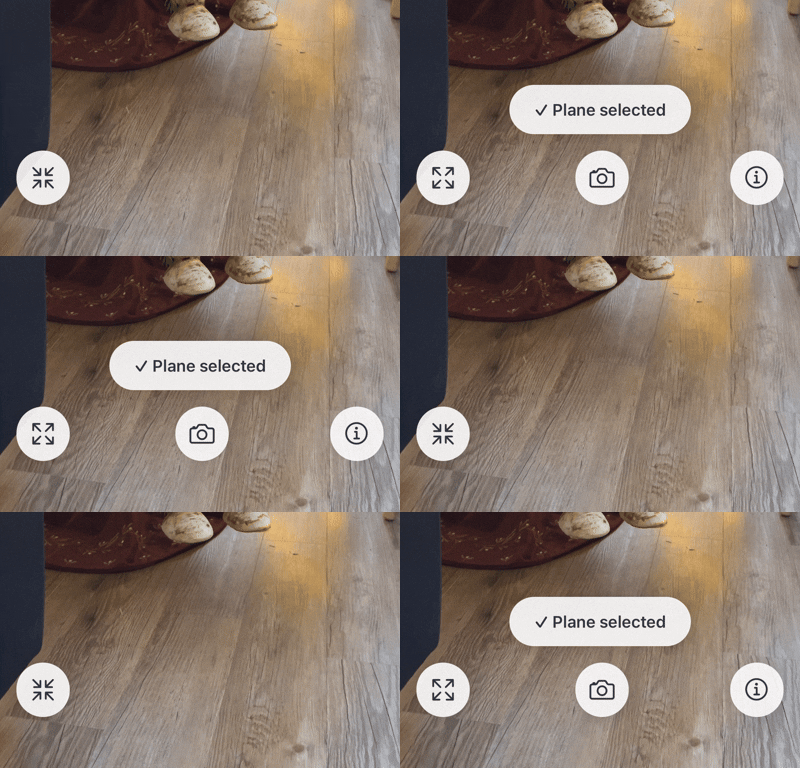
Full-Screen AR Preview Mode
A cleaner, more immersive preview experience when testing scenes on your device.
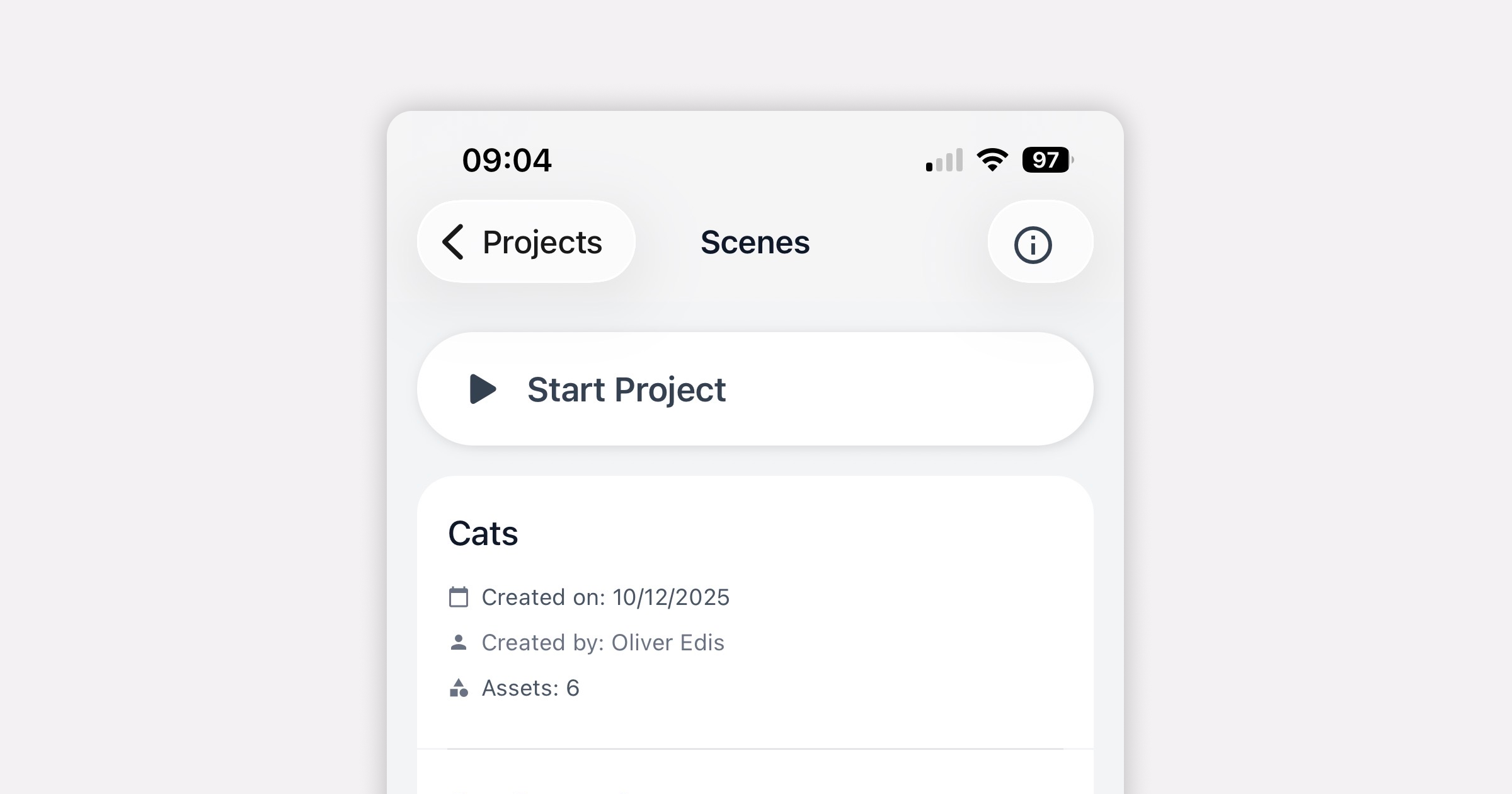
Start Project Button
A new Start Project button lets you launch experiences from the beginning, mirroring how users would experience your project in a standalone app.
Why StudioGo Matters
StudioGo closes the loop between visual creation in Studio and real-world testing on your device.
No exports. No extra setup. Just fast, repeatable testing as you build.
This week’s updates move us another step closer to making spatial development feel as fluid and approachable as modern app development.
This is just the start for us; there’s lots more to come.
Happy building
Download StudioGo
Get the ReactVision newsletter
Product announcements, including ViroReact, ReactVision Spatial, Editor and MCP updates, direct to your inbox. No spam, and you can unsubscribe at any time.