Mixed Reality and Object Detection on Meta Quest: ViroReact 2.57.2
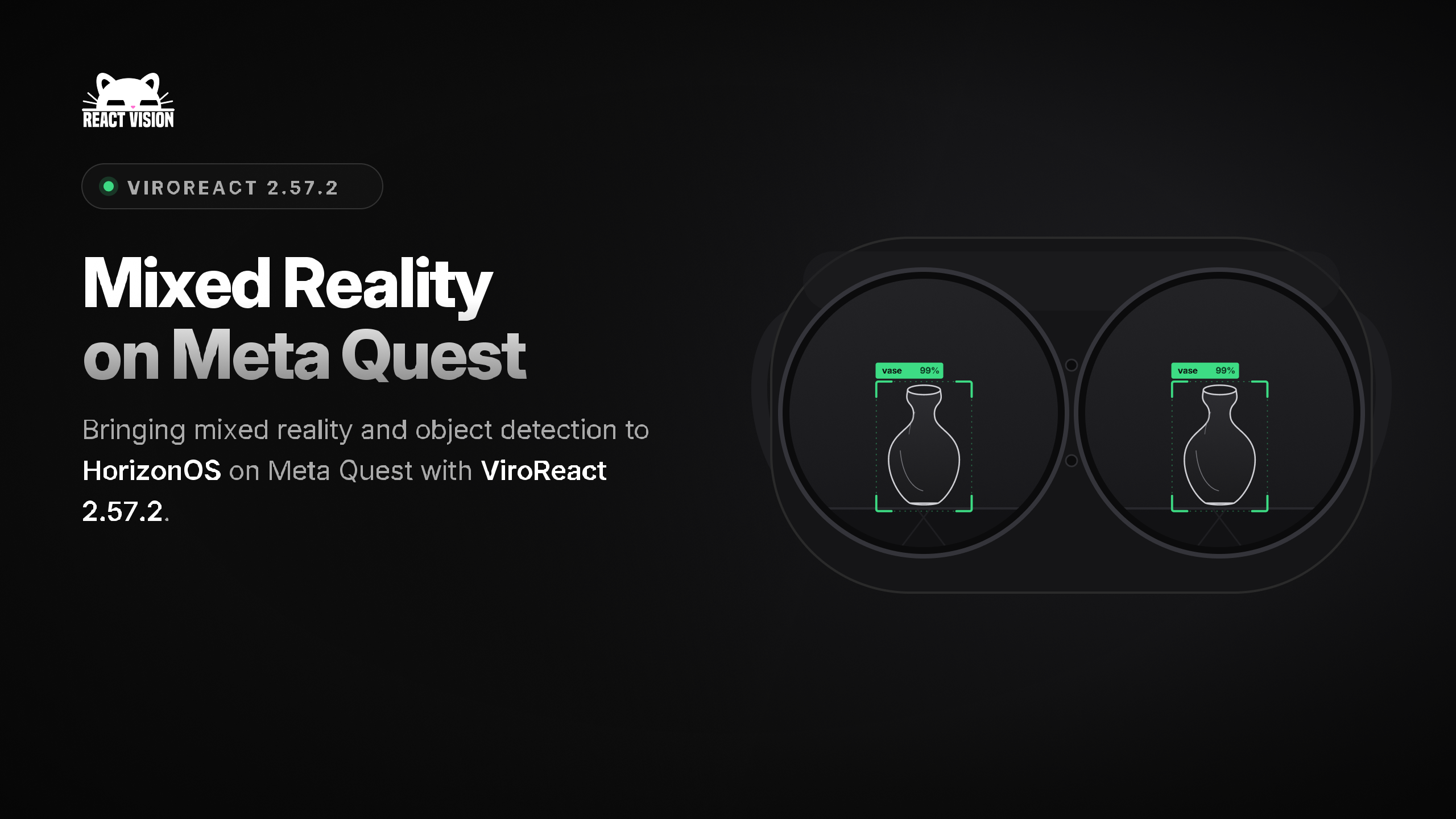
Hot off the heels of last week’s 2.57.0 update, today we shipped ViroReact 2.57.2, and it is the release that closes the distance between mobile AR and the headset. The AR component API you already use on phones now runs on Meta Quest 3 and Quest 3S through XRSceneNavigator. There is no new API to learn. The same ViroARScene you ship to mobile now runs on headsets when passthrough is enabled.
That has been the point of ViroReact from the start: write once, run across AR and VR on multiple different devices, and with 2.57.2, mixed reality on Quest is now part of that single codebase.
Let’s dive into the details on what’s new in this update.
Mixed reality scenes on Quest
Pass a ViroARScene to ViroXRSceneNavigator and it now runs in both places: phones and headsets. onAnchorFound, ViroARPlane, and ViroARPlaneSelector fire from the room’s floors, walls, ceilings, and tables, and passthrough turns on automatically. The anchoring code you wrote against a phone surface works against a Quest room model with no changes.
Object detection on Quest
ViroObjectDetector now runs on Quest 3 and Quest 3S, driven by the Meta Passthrough Camera API. This first version emits labels and normalized bounding boxes, so your scene can react to what the headset camera sees.
Passthrough styling at runtime
A new setPassthroughStyle(viewTag, { opacity, edgeColor }) call lets you tune passthrough opacity and the edge-highlight colour while the app is running. You can shift the blend between the real room and your content on the fly.
Reliability fixes
Passthrough no longer renders a black background, and an initial passthroughEnabled prop is now honoured even when it is set before the renderer initialises.
Upgrade notes
A few things to know before you point a scene at a headset:
- Permissions. The Expo plugin now declares horizonos.permission.USE_ANCHOR_API for room planes and horizonos.permission.HEADSET_CAMERA for the object-detection camera. Both are runtime-granted, so request them in-app or grant them with adb shell pm grant <pkg> <perm>.
- Room planes needSpace Setup. Plane data comes from the Quest room model. Run Space Setup on the headset first, or no plane anchors are produced.
- HDR and mixed reality. Set hdrEnabled={false} on ViroXRSceneNavigator for now. The HDR post-process path forces an opaque composite that hides passthrough. A fix to lift this restriction is planned.
- Object detection scope. Object detection on Quest needs Horizon OS v74 or later and emits labels and 2D boxes only. There is no worldPosition or screenBoundingBox on Quest yet.
Get the update
Upgrade with npm install @reactvision/react-viro. The full list of changes is in the changelog, and the Quest setup steps live here in our docs. If you are already running a ViroARScene on phones, point ViroXRSceneNavigator at a Quest build and watch your scene come up in passthrough.
Using the MCP Server?
The ViroReact MCP server is already up to date and knows everything there is to know about ViroReact 2.57.2 and how to setup AR on HorizonOS. Just add it to your favourite coding agent and away you go!
More From ReactVision
- Never miss an update with our newsletter
- Build your XR scenes visually with Studio + Studio’s Agent
- Jump into ViroReact quicker with the ViroReact Starter Kit
- Find the ReactVision community across Reddit and Discord
Get the ReactVision newsletter
Product announcements, including ViroReact, ReactVision Spatial, Editor and MCP updates, direct to your inbox. No spam, and you can unsubscribe at any time.