Everything That’s New In ReactVision Studio Alpha 2
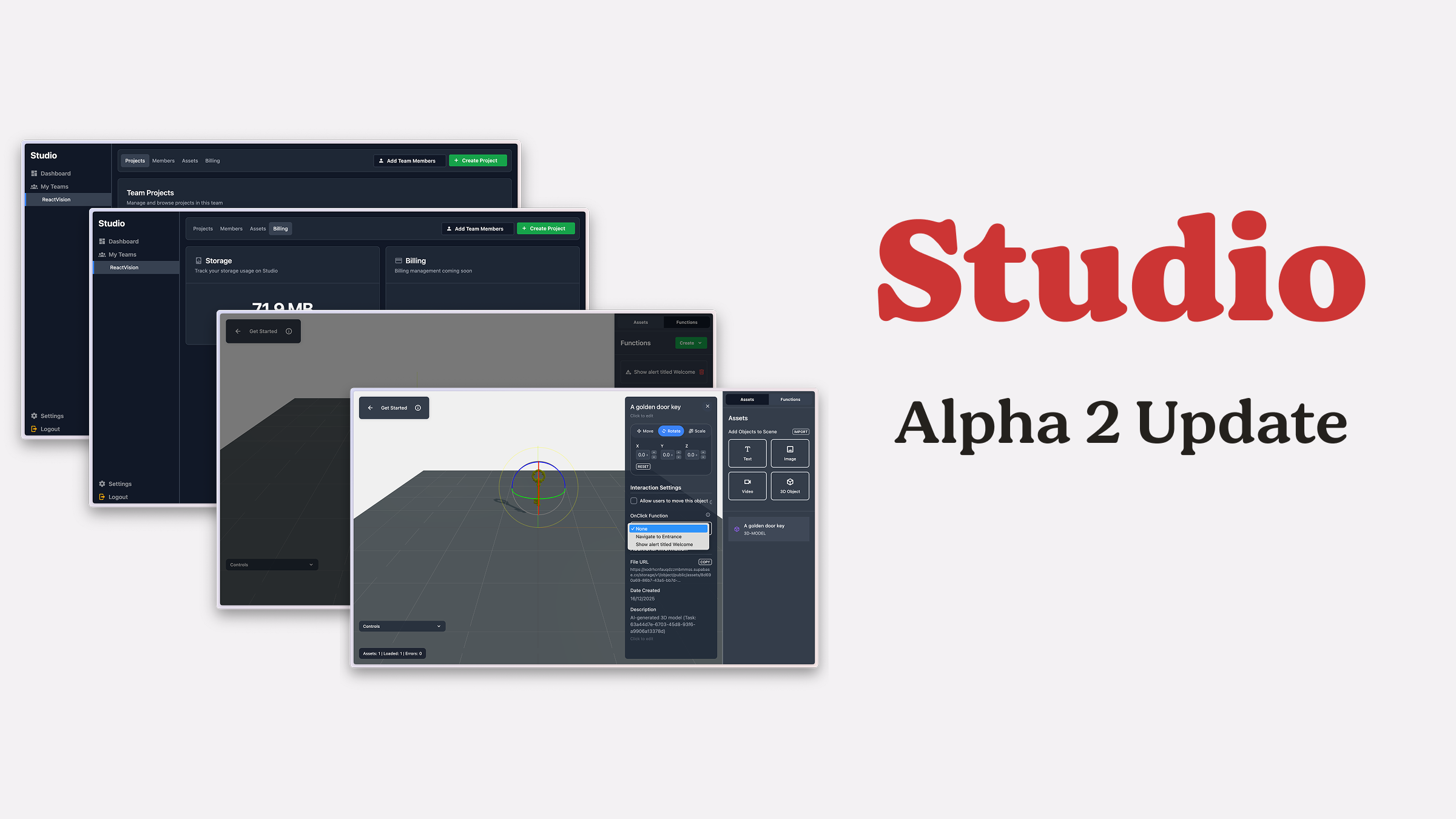
We’ve been so busy shipping updates to ViroReact that it might look like Studio’s been a bit quiet, but that couldn’t be further from the truth.
While ViroReact has been getting much of the limelight, the Studio team has been heads-down working through a long list of improvements and new features. This Alpha 2 release is a big one, and the next release, landing in just a couple of weeks, is shaping up to be just as packed.
Bridging Studio and Production with StudioGo
Today’s Studio Alpha 2 release, alongside the launch of StudioGo, brings us one step closer to fully bridging the gap between Studio and your production application.
If you missed it, StudioGo is a new testbed app that lets you run and interact with your Studio creations on a real device, in the real world. That alone is a big milestone, but what’s more important is what’s happening under the hood.
At the heart of StudioGo is a new internal library that converts Studio data directly into ViroReact nodes. This enables a seamless hand-off from visual creation in Studio to runtime execution in your app.
Internally, we’re calling this the Viro Node Engine (the name’s a work in progress), and it’s the foundation that will eventually allow you to add Studio-built scenes to your applications with just a few lines of code.
But for now, let’s dive into what’s new in Studio Alpha 2.
Overall Visual Improvements
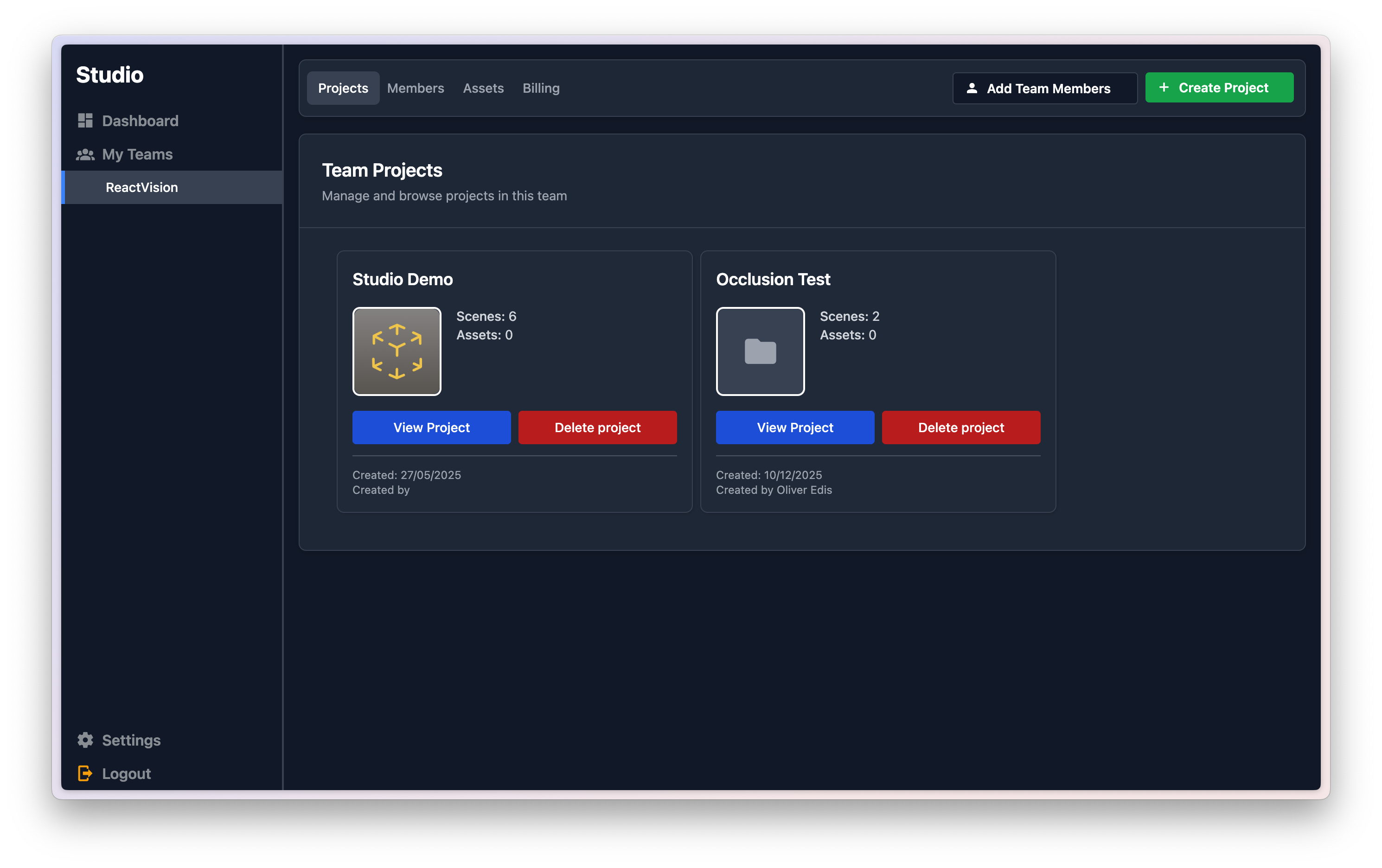
Alpha 1 laid the groundwork, but let’s be honest, parts of the UI were still a bit rough around the edges. In Alpha 2, you’ll find a far more consistent and polished interface across the app, with a special shout-out to the Team section, which has had the biggest glow-up.
Functions (New!)
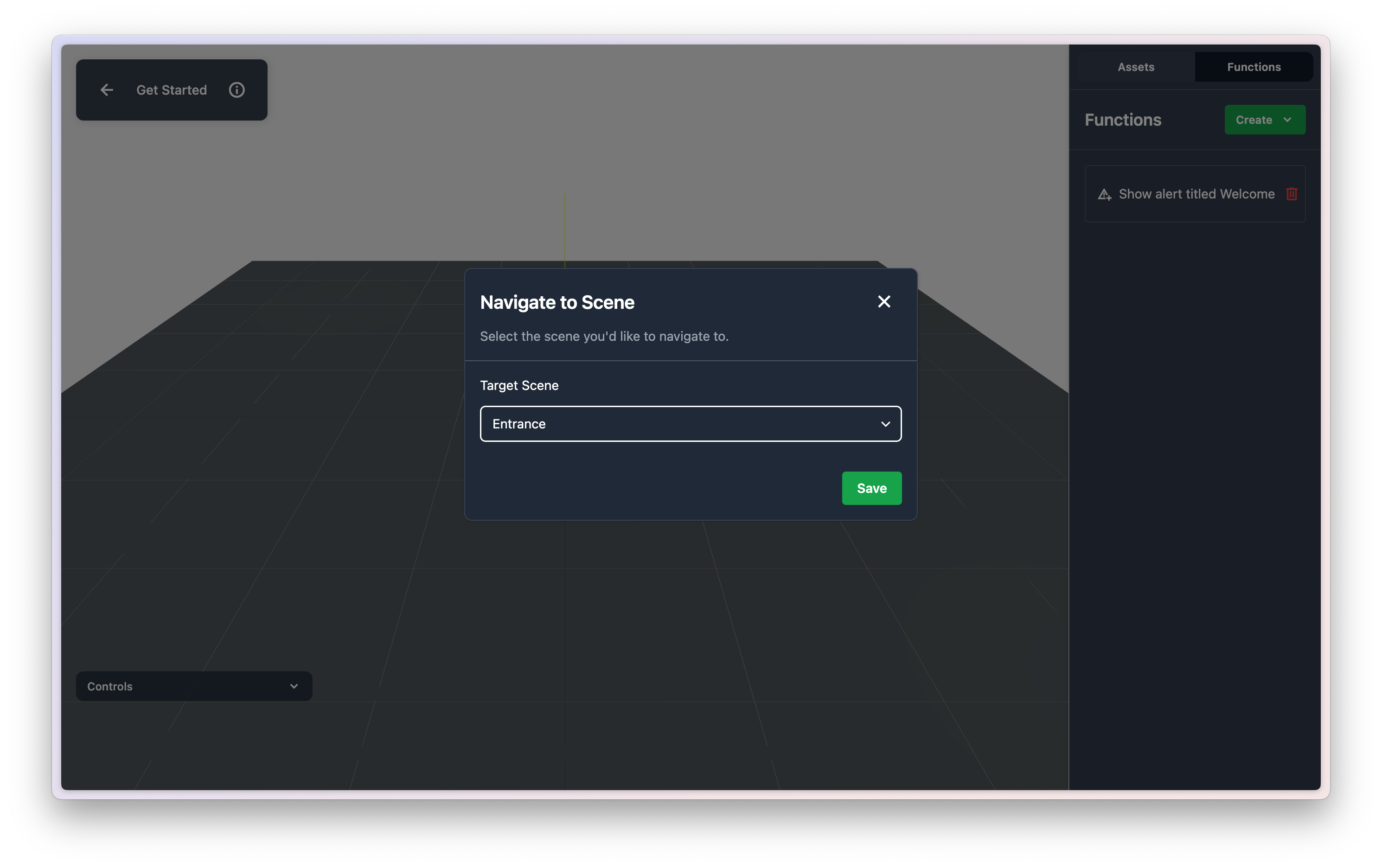
One of the biggest additions in this release is Functions.
Functions are reusable blocks of behaviour that you can create in Studio and assign to assets. In this first iteration, we support:
- Alert
- Navigate
With more Function types are already in the works.
At the moment, Functions can be assigned to an asset’s onClick interaction, but support for triggering Functions from additional events and contexts is also coming soon.
Improved Asset Editor
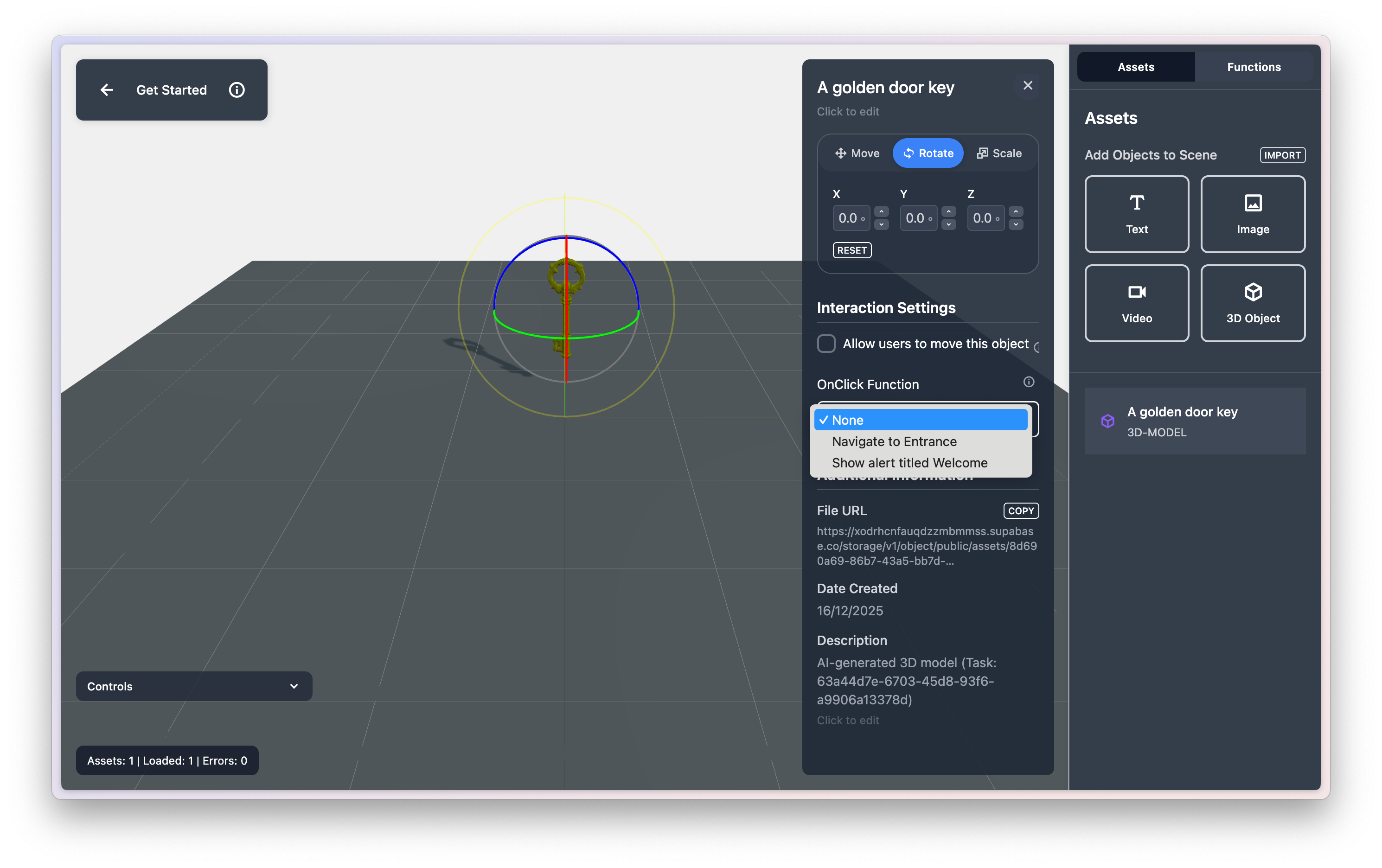
Alongside Functions, we’ve refreshed the Asset Editor to make it more powerful and intuitive.
You can now:
- Assign a Function to an asset’s onClick interaction
- Mark an asset as moveable, allowing end users to reposition it within their environment
This opens the door to more interactive and dynamic experiences without writing code.
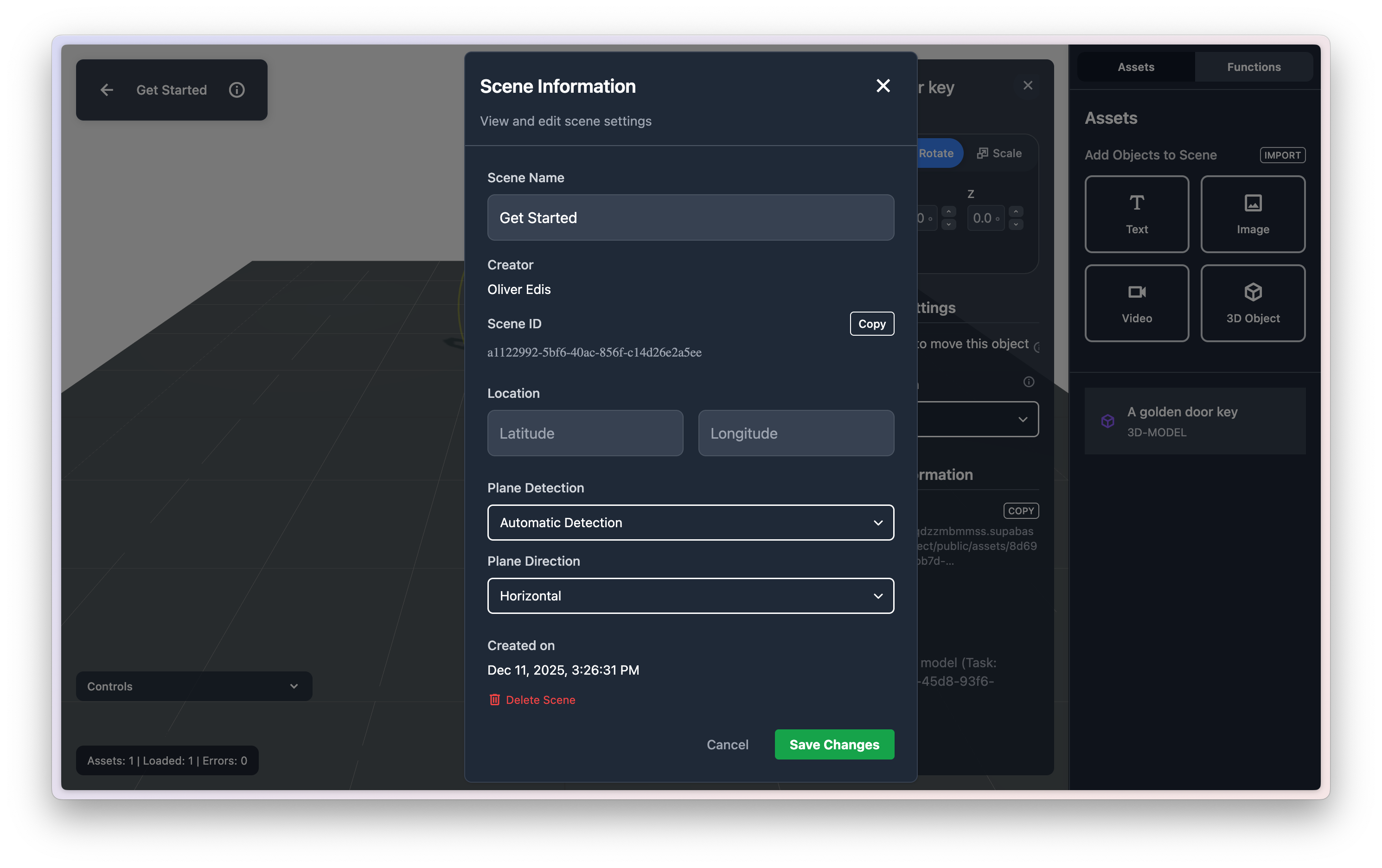
Scene Plane Detection Controls
Scenes now have clearer and more flexible plane detection settings.
When creating or editing a Scene, you can specify:
- Whether plane detection is enabled
- Manual (user-selected) or automatic detection
- Preferred plane orientation
This gives you more control over how and where your experiences anchor into the real world.
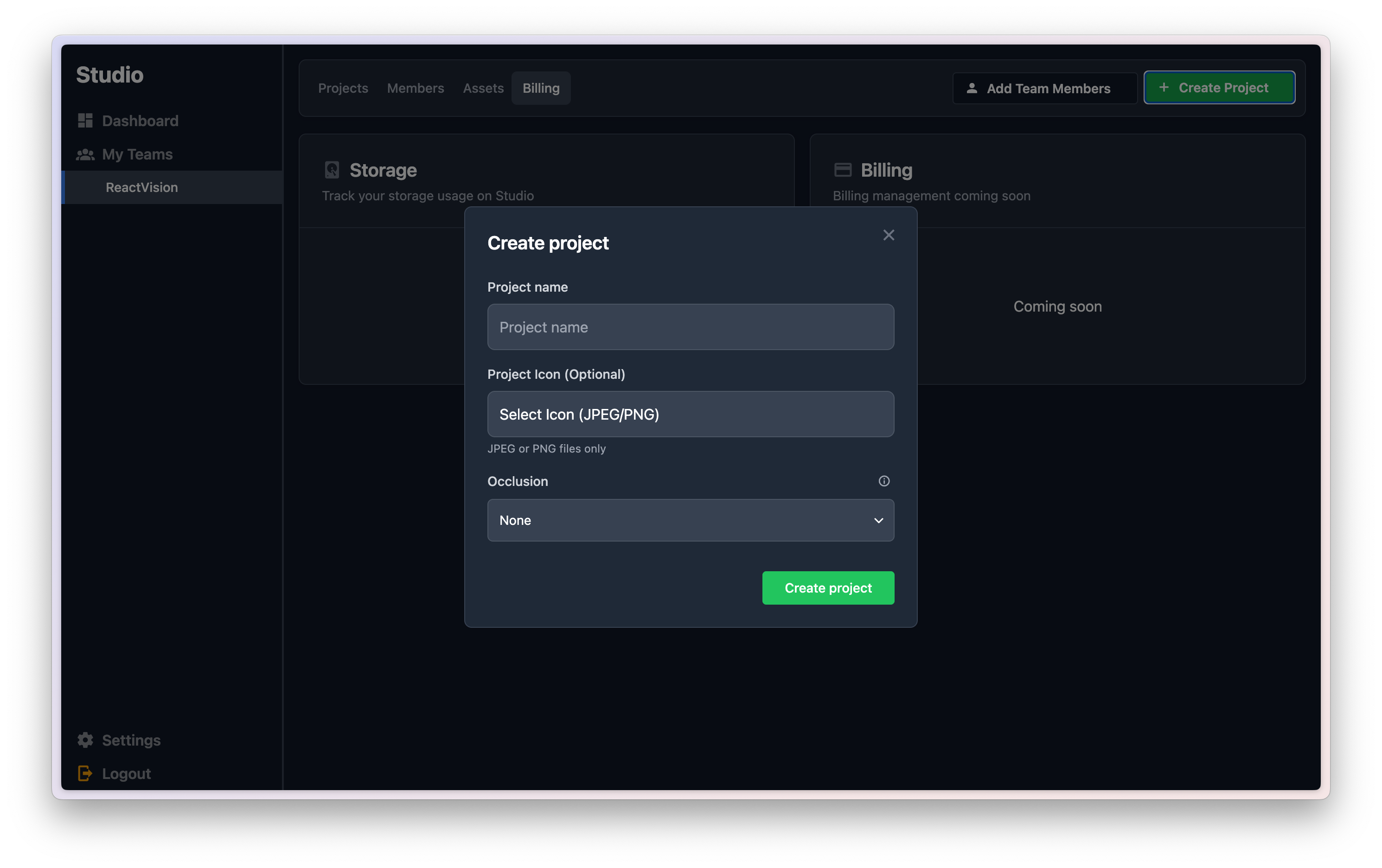
Project-Level Occlusion Settings
With the release of ViroReact 2.50.0, we introduced support for occlusion, and Studio now exposes this capability at the project level.
You can choose between:
- No occlusion
- Depth-based occlusion
- People-based occlusion
We’ve also added helpful tooltips to guide you in selecting the right option for your use case.
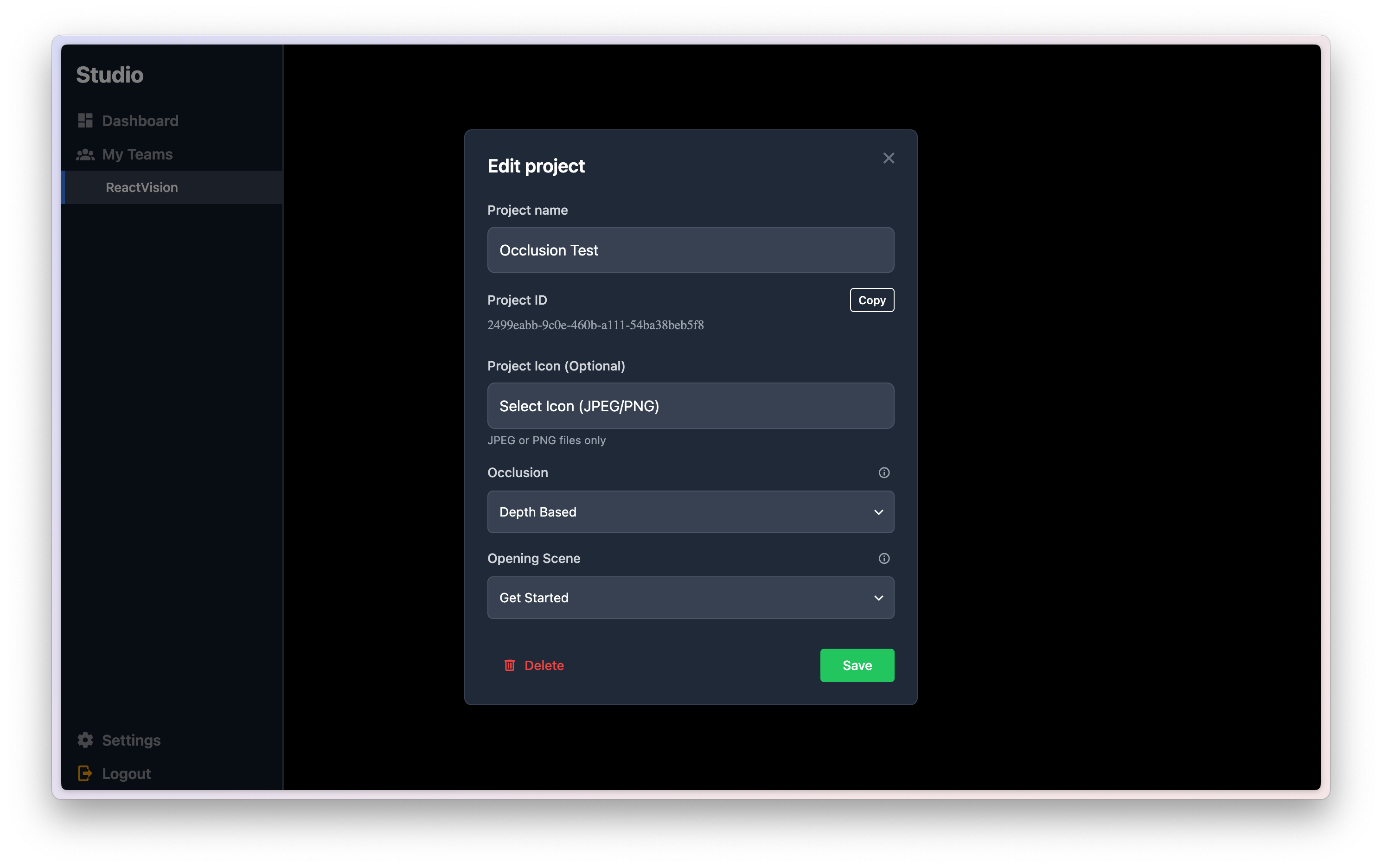
Project Opening Scene
You can now define a project’s opening scene. This is the scene users will see first when your experience launches inside an app. Setting this explicitly allows the Viro Node Engine to correctly configure the starting scene when generating navigation logic in ViroReact.
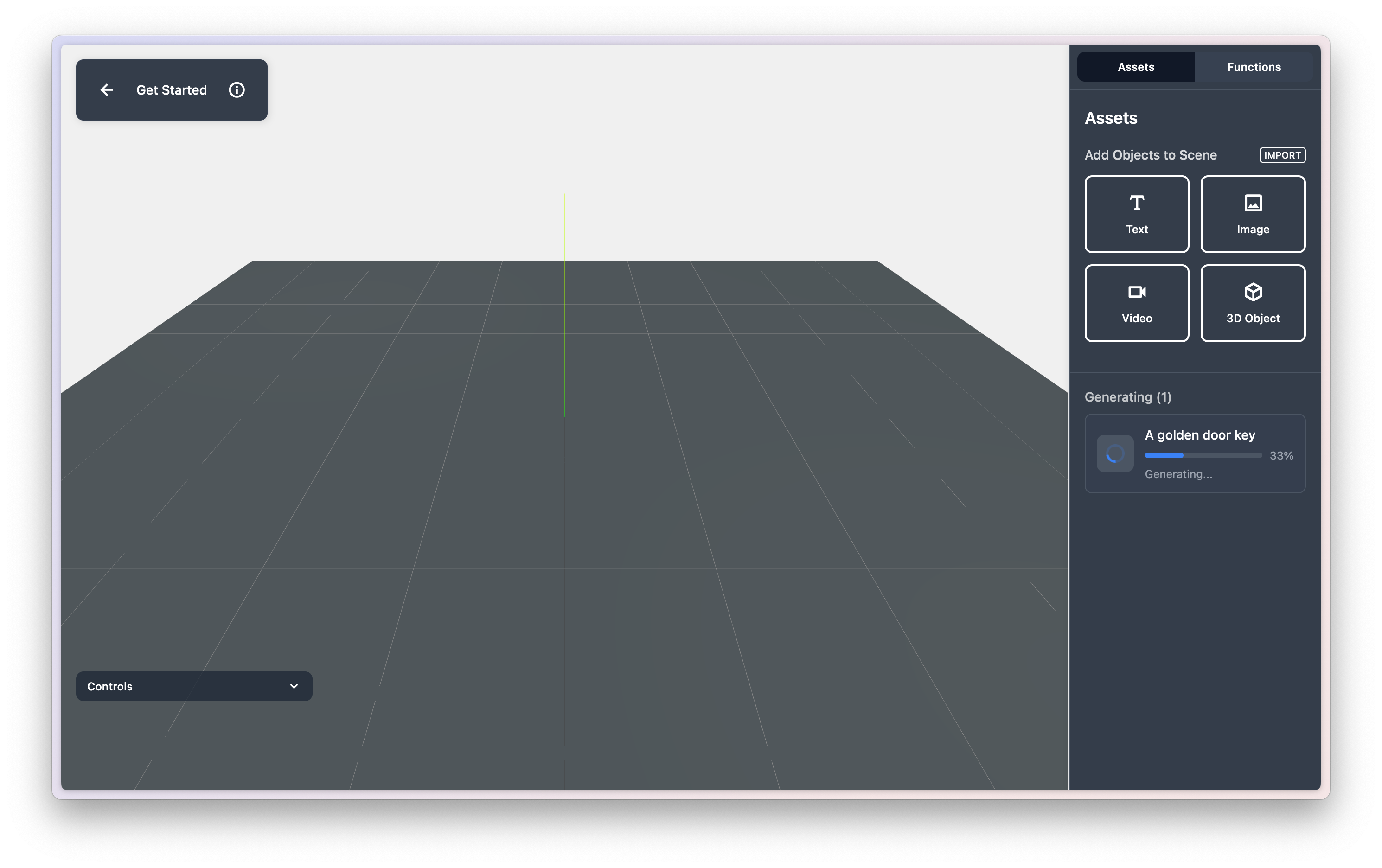
Improved Asset Creation Flow
Creating new assets is now more reliable and transparent.
When generating a new 3D model, it immediately appears in your scene’s asset list with real-time progress updates. Previously, dismissing the progress modal could cause assets to get “lost” during creation, this new flow removes that risk and delivers a smoother experience overall.
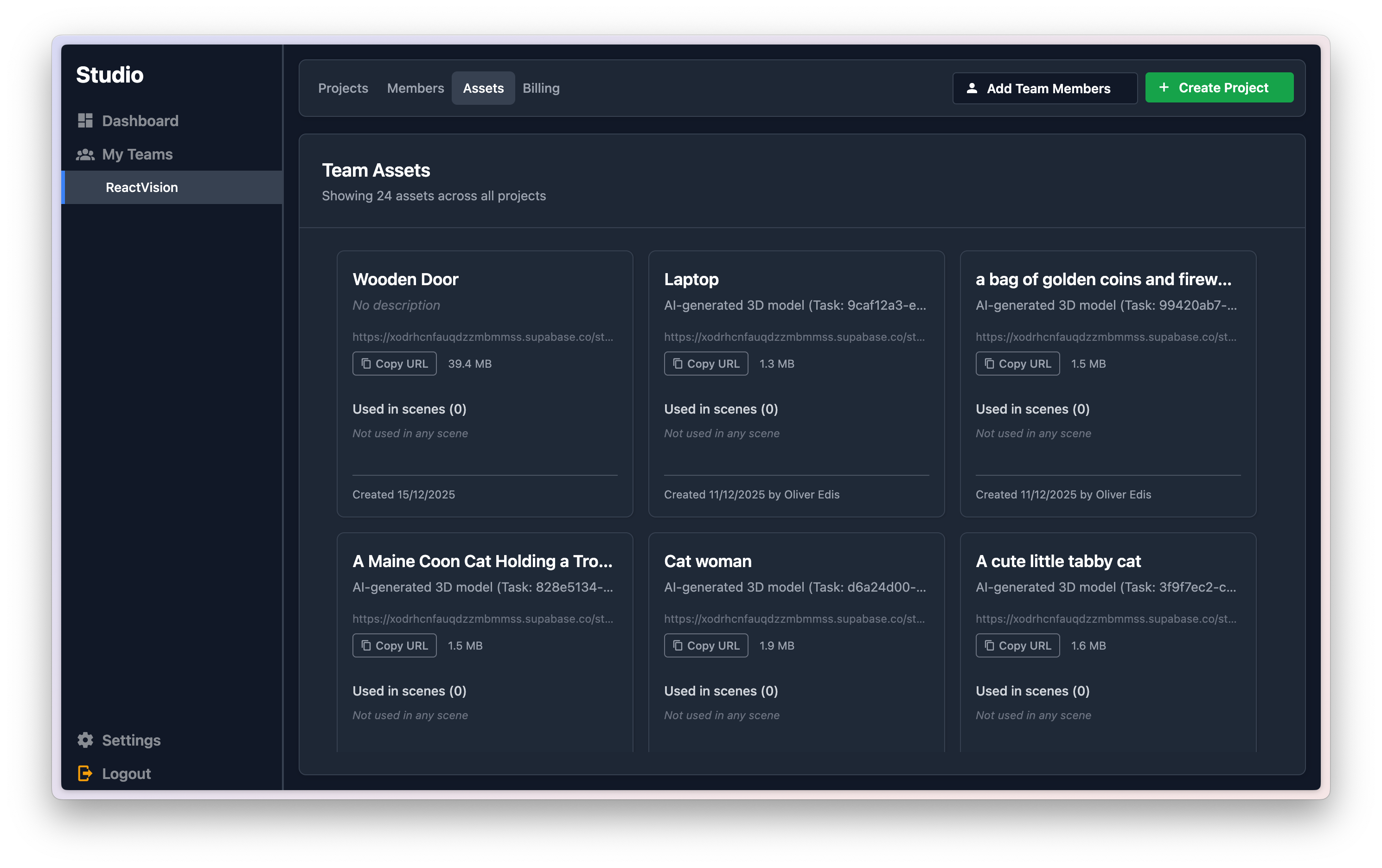
Rearchitected Team Assets
Team assets are now centralized in a single location.
This means:
- Assets can be reused across projects and scenes
- It’s easier to see where each asset is used
- Duplicate uploads are avoided
Overall, asset management is now more efficient, scalable, and predictable.
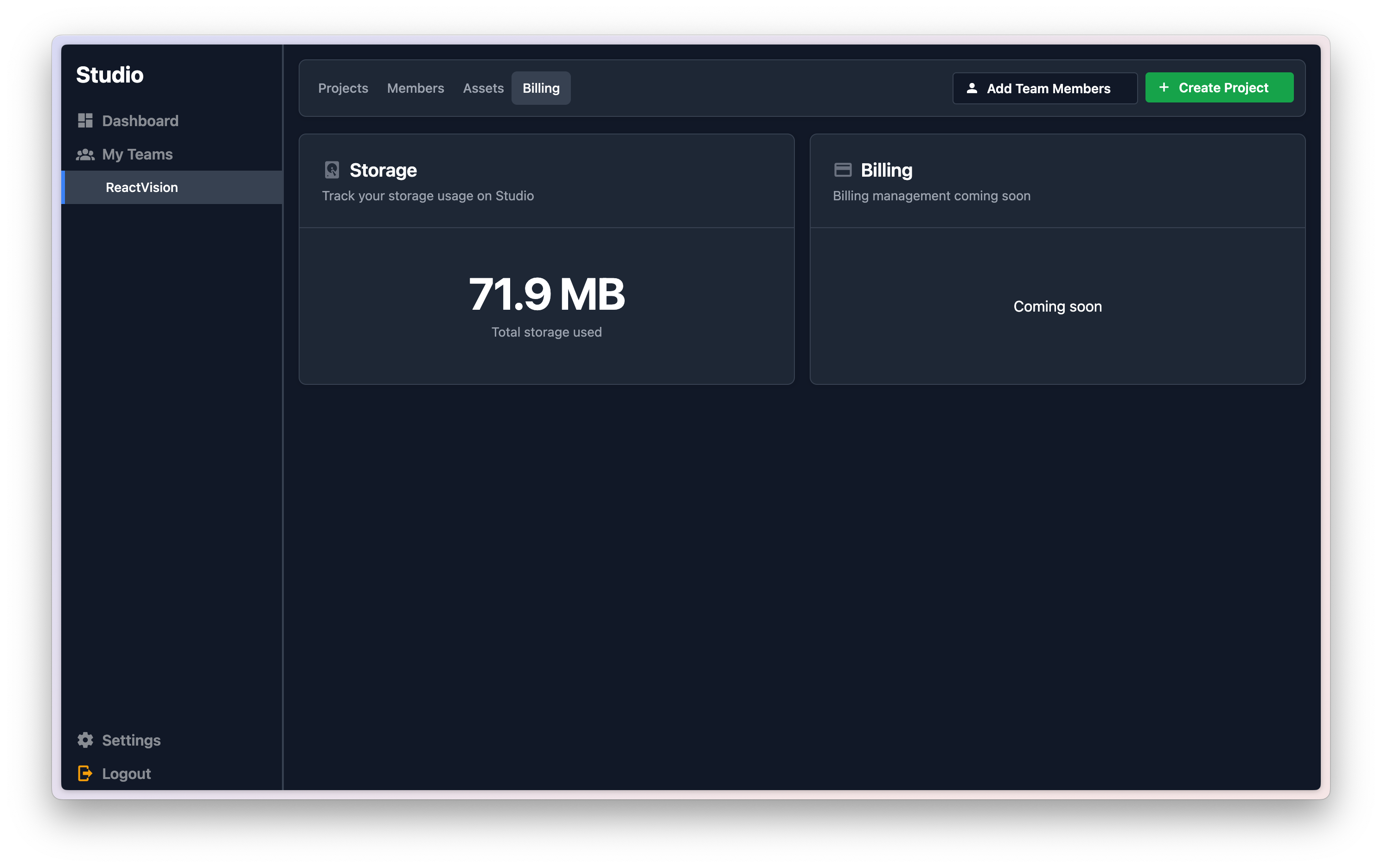
Track Storage Usage
As part of the asset system rearchitecture, we now track:
- Individual file sizes
- Total storage usage per team
This gives you better visibility and control as your projects grow.
What’s Next
Studio Alpha 2 is a meaningful step forward, but it’s just part of a much bigger roadmap. With StudioGo now live and the Viro Node Engine taking shape, we’re moving steadily toward a future where visual creation and production-ready AR apps are truly connected.
More updates coming very soon.
Happy building
Want to Try Studio + StudioGo For Yourself?
If you’re interested in what we’re building and want to test out our latest releases, you can do so by signing up for Studio. We’re slowly letting more users in, and your feedback will help us create a better product.
Get the ReactVision newsletter
Product announcements, including ViroReact, ReactVision Spatial, Editor and MCP updates, direct to your inbox. No spam, and you can unsubscribe at any time.