Share Studio scenes with Scene Links: Web AR in one URL
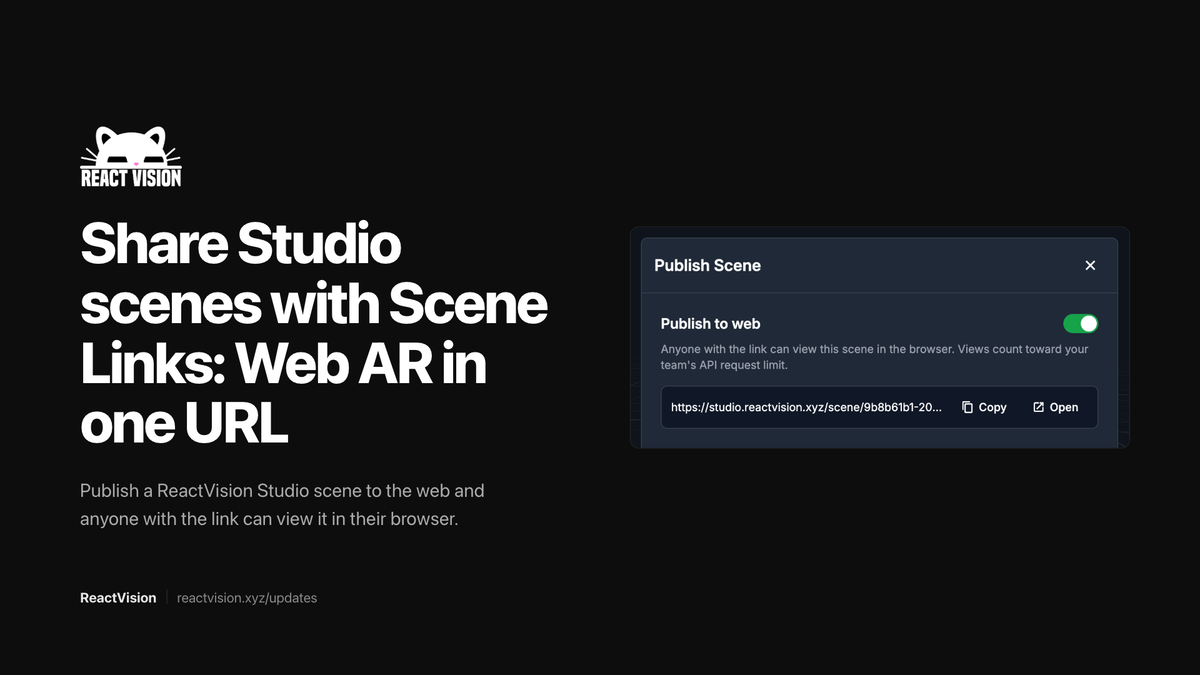
One of the quiet wins in the ViroReact 3.0.0 launch is something you can explain in a sentence: publish a Studio scene, get a URL, send the link, and anyone who opens it lands in your AR experience in the browser.
We call them Studio Scene Links. Under the hood they are powered by ViroReact Web AR. No app install. No store listing. Just a URL.
What Scene Links are for
Share a prototype in minutes. Designer finishes a scene in Studio, hits publish, drops the link in Slack. Stakeholders open it on their phone and see the thing in their space.
Campaigns and QR codes. When the job is reach rather than a full native app, a Scene Link is often enough. Print a QR code, put it on packaging, stick it in an email.
Same scene, two delivery paths. Build once in Studio. Embed it in your React Native app with StudioSceneNavigator when you need native performance and device APIs. Share the Scene Link when you need zero friction.
That last point matters. We did not build Web AR as a replacement for native. We built it so the same work can travel both routes.
How it works, practically
- Build or import your scene in ReactVision Studio.
- Publish it so Studio can host a shareable link (look for the Scene Links / publish controls in Studio; the exact label may move as we iterate the UI).
- Copy the URL and send it.
- Recipients open it in a mobile browser over HTTPS. They get a short permission prompt for camera (and motion on device), then your scene.
Web AR needs a real device with a camera and IMU. Desktop will show something, but tracking stays limited without motion sensors. Treat a phone as the real test target.
If you are unsure where publish lives in the current Studio build, the in-product docs and our Discord are the fastest way to confirm. We would rather point you there than invent a menu path that is already out of date by the time you read this.
Native vs web: when to use which
When deciding between utilising Web AR and building natively, use this as a rough guide.
Prefer native (ViroReact in your app) when:
- You need the full platform surface: Cloud Anchors, Geospatial Anchors, co-location, Quest, visionOS
- Frame rate and thermal headroom matter for a long session
- You already have an app and XR is a feature inside it
- You need offline or tightly controlled distribution
Prefer Web AR / Scene Links when:
- The recipient should not install anything
- You are validating a scene with non-developers
- Distribution is a link, QR code or email
- You want Studio authors to share without waiting on an app release
Use both when: the same Studio scene should live in production inside StudioSceneNavigator and be shareable as a link for demos and light campaigns. That is the combination 3.0 was built for.
Pairing with 8th Wall migrations
If you are bringing work over from 8th Wall, Scene Links are a useful checkpoint. Import into Studio, publish a link, confirm the experience before you wire StudioSceneNavigator into your app. Migration paths (Studio import and MCP conversion) are covered in separate posts.
Try it
Open Studio, publish a scene, and send yourself the link. If something looks off on device, tell us on Discord. Web AR is young in the stack and we are iterating on it quickly.
And if you want the wider platform story, come and ask us anything in the ReactVision Discord.
Oli