The ViroReact MCP Server Is Now in the Claude Connectors Directory
Adding an MCP server to your agent has always been a small act of faith. You find a URL somewhere, paste it into a config file, restart, and hope the handshake works.
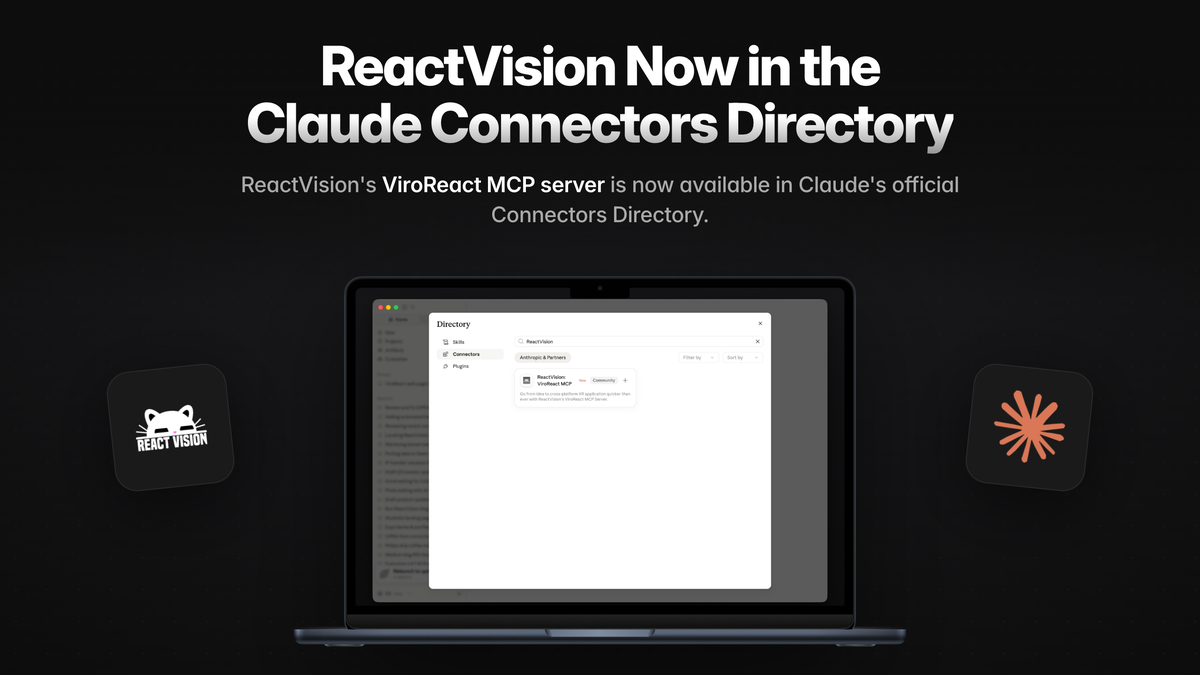
That step is gone. The ViroReact MCP Server is now listed in Claude's Connectors Directory. Open the directory, search ReactVision, connect, sign in with Studio. Your agent is now building XR against the real ViroReact API instead of whatever it half-remembers.
What your agent actually gets
Three things, and the order matters.
The knowledge base. ViroReact ships continuously. Training data does not. Left to memory, an agent writes scenes full of props that were renamed, components that never existed, and patterns we stopped recommending two years ago. It all looks plausible, and it all fails on first run. Connected to the MCP server, your agent looks things up instead: the full component catalogue across AR, geometry, lighting, materials, animation, media and input, with the real prop schemas, the real event handlers, the real platform support matrix, and working examples pulled from real scenes.
The validation tools. Knowing the API is not the same as writing correct code, so the server lets an agent check its own work. Structural checks flag a misspelled prop or a component that does not exist. Error and crash logs get explained rather than guessed at, which matters more in XR than most places, because the decoding knowledge has historically lived in maintainers' heads and old Discord threads. Performance budget checks read your 3D models and flag the ones too heavy for the headset you are targeting, before they turn into stutter someone else has to diagnose.
The testing tools. This is the part that changes the shape of a review. The server can execute a scene in a real renderer and hand back the frames that actually appeared on screen. Not a description of what should have appeared. The agent can interact with the scene too: tap an object, wait for an animation, capture the result. It can compare two renders and get told exactly what moved, which catches the refactor that quietly relocates your model.
Put together, the question your agent answers stops being "does this look correct?" and becomes "did this render?".
Why the directory listing matters
Everything above already worked for anyone willing to hand-configure an MCP server. Being in the directory removes the configuration entirely, and with it the class of problems where the server is fine but the setup is not.
It also means authentication is handled properly. You connect once, sign in with Studio, and the server knows who you are. No API keys pasted into a config file, no secrets sitting in a dotfile, no self-hosting.
Getting started
You need a ReactVision Studio account, and the free plan is enough. Sign in, connect the server from the directory, and start building. Paid Studio plans get higher MCP usage limits, but nothing here is gated behind them.
Prefer to wire it up by hand, or using a different agent? The server still lives at https://mcp.reactvision.xyz/viro, and it works the same way in Claude Code, Codex, Cursor and Windsurf.